Purchase Group
What is Purchase Group in Businessflo
How to Create a Purchase Group in Businessflo
Navigation
- Module: PS - Procurement Sourcing
- Process Code: PSPG - Purchase Group
There are two options available to navigate to this screen.
- Click on Procurement Sourcing -> Purchase Group -> Purchase Group
- Write the process code for this screen in the search bar which will navigate you here directly.
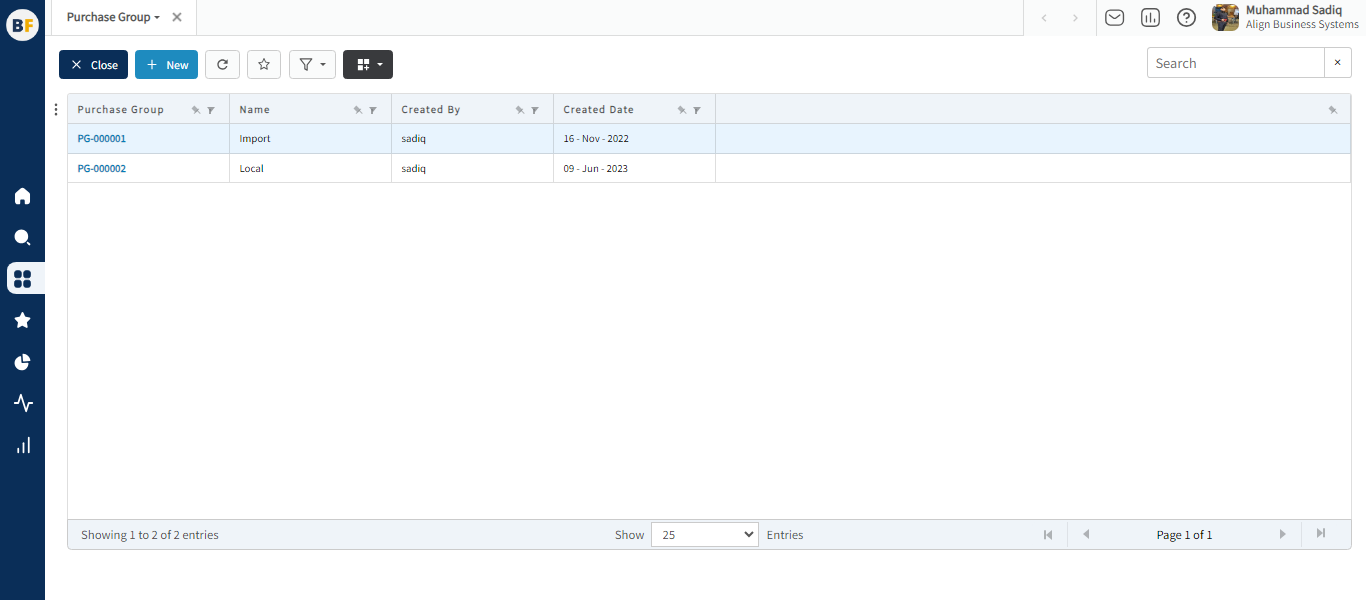
The list shows the Purchase Groups already being created in the system. Now either you can click on new button to create a new Purchase Group or you can select from the list of corresponding Purchase Groups to view, edit or delete it.
Process
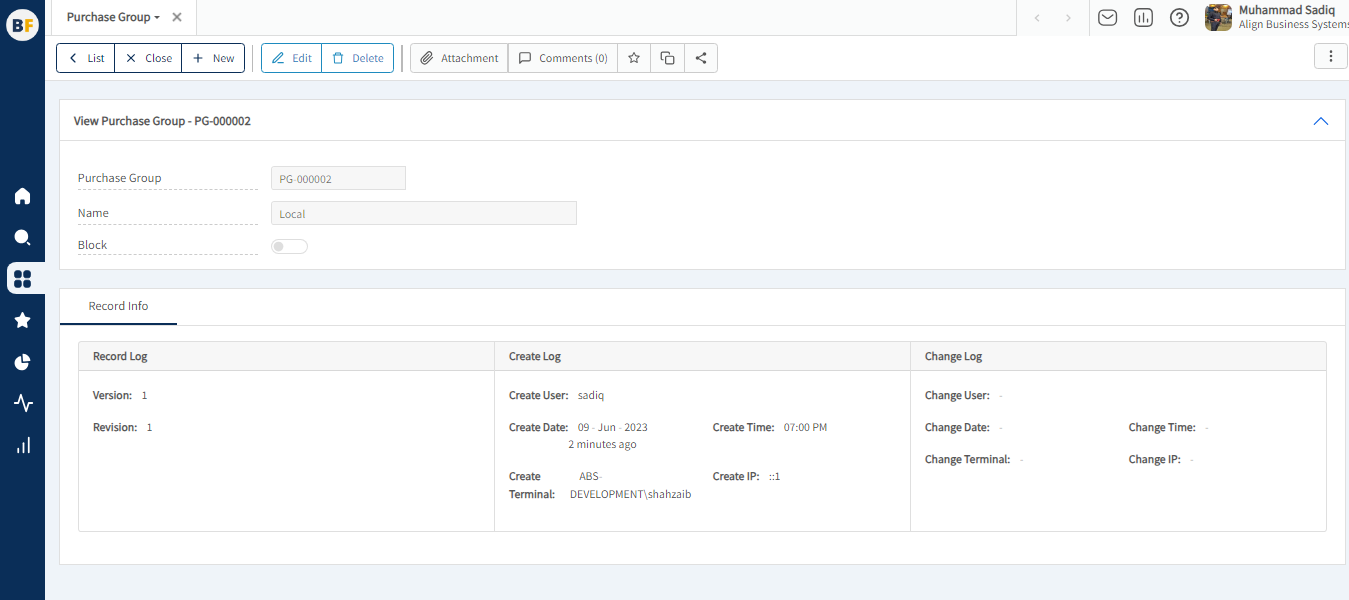
To create a new Purchase Group, fill in the necessary details:
Now click on Save to save the information provided.